

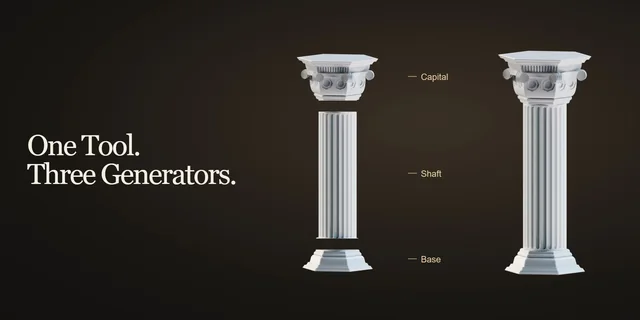
Design pillars without rebuilding them.
Column Generator is a procedural Blender tool for creating and adjusting architectural columns. It is designed for environment art, game development and architectural visualization, where a consistent set of pillars can define the look of a scene.
The workflow lives in the supplied Blender files. Select a column and use the Modifiers tab to change its shape. Rather than starting over for each variation, adjust the parts that matter to your design and see the result in real time.
Three connected generators.
Edit the main body, three additional segments and the swirl details. Change the silhouette of the top while keeping the shaft you already like.
Adjust height, diameter, segment count, twist, fluting and the overall profile. This generator also assembles the base, shaft and capital into one complete column.
Uses a vertically flipped version of the capital setup, with similar controls. Refine the foot of the column to complement its proportions and upper details.
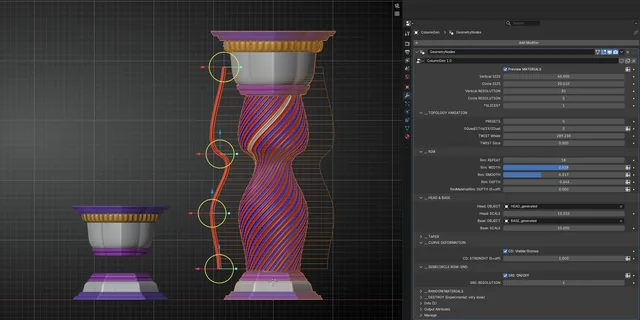
Change the character, keep the workflow.
A different capital or base can give the same shaft a very different finish. Use the controls to compare simple and ornate forms before committing to the look of your scene.
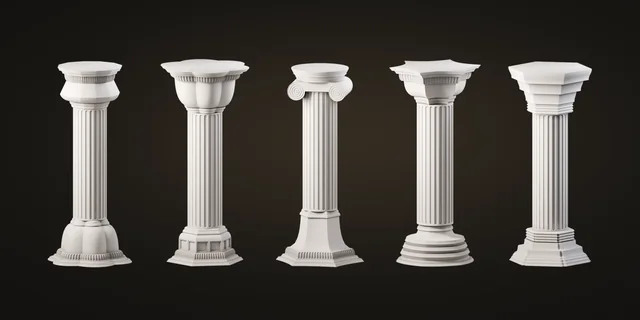
A starting point for your own designs.
The download includes a clean .blend file with all three generators and a separate example file containing 40 columns, 56 capitals and 56 bases. Open an example to inspect its settings, then adapt it to your project.
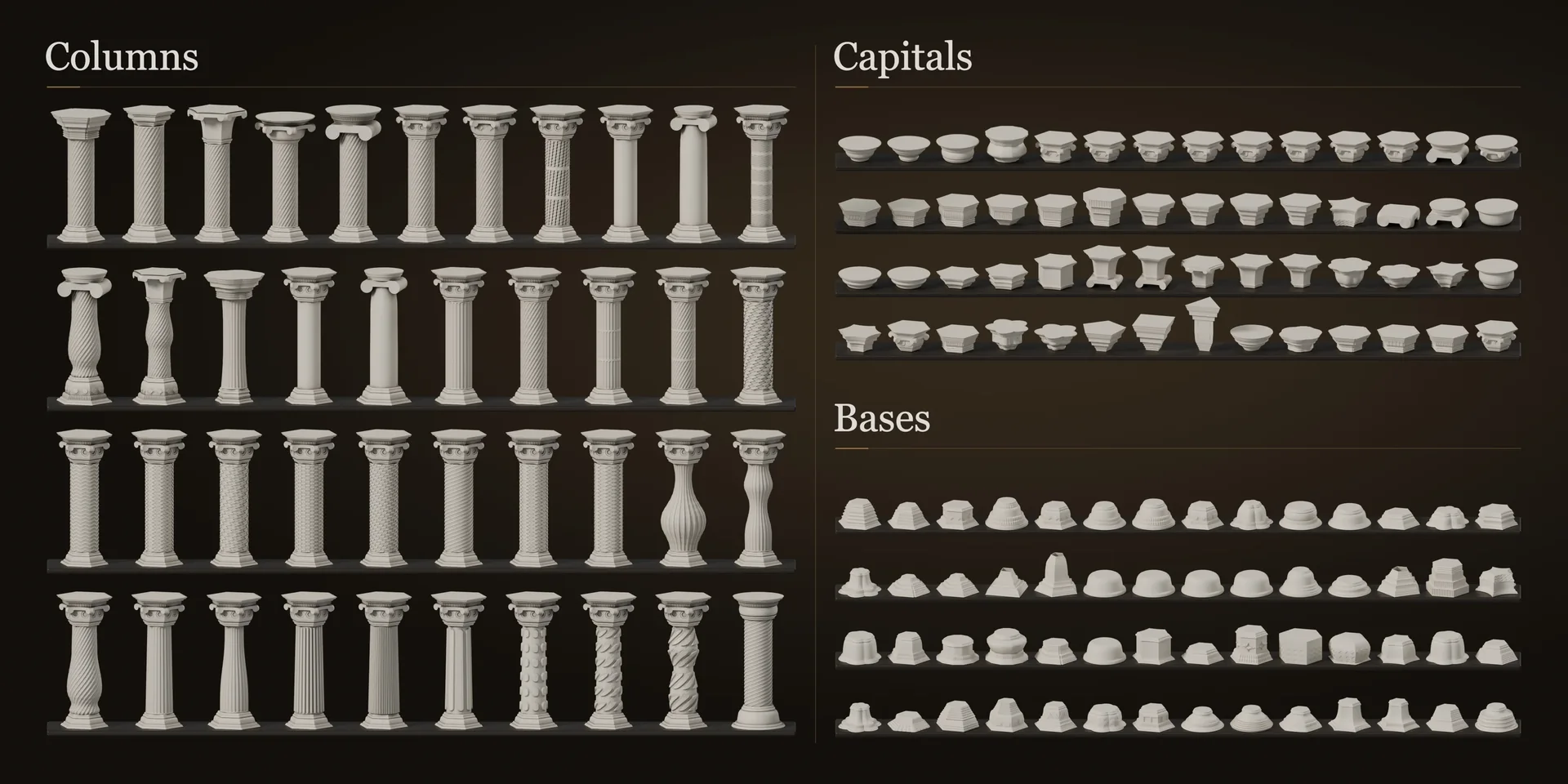
These are editable examples, not a limit on the designs you can make. Regular updates are planned, with free updates for existing users.
Open. Select. Adjust.
- Download and extract the purchased files.
- Open the supplied Blender project. Choose the clean setup or the file of examples.
- Select a column and open the Modifiers tab.
- Set the shaft’s height, diameter and profile, then refine fluting or twist.
- Adjust the capital and base, checking the complete column as you work.
For an architectural scene, start by matching the overall proportions to the space. Then work on the smaller details that will be visible from the final camera angle.
See the controls in action.
Watch the official tutorial to see how the generators and example files work together. The product showcase gives you a quick look at the tool and its results.
Columns in a finished scene.
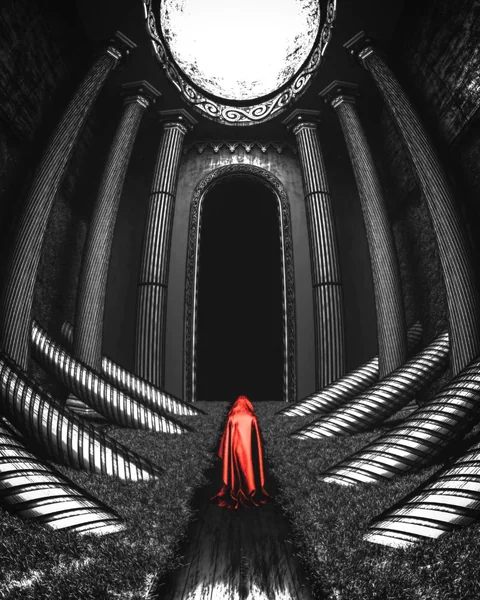
This work by Round3d.pixel, featured on the official product page, places the columns within a dramatic architectural composition. Explore the creator’s profiles for more of their work.
Before you start.
Is this a fixed library of column models?
The examples are a starting point. You can edit the capital, shaft and base through procedural controls to create your own variations.
How do I use the tool?
Open the supplied .blend file, select the column and adjust its settings in the Modifiers tab. Watch the official tutorial for the complete workflow.
Can I combine it with other PeakDreams tools?
Explore Ornament Generator for decorative borders and Chain Generator for chain details elsewhere in your Blender scene.
Build your next column.
Three generators, real-time controls and a complete set of editable examples.