
Ornament Generator has grown through the work of Blender artists who put it into real scenes. With version 1.5.0 now released, the Full edition contains 560 ornaments across 16 categories. The latest addition is a collection of 134 Art Deco ornaments.
This showcase brings together four artists featured on the official Ornament Generator product page. Their work shows different ways to use decorative geometry: as architectural trim, a focal relief or part of a carefully finished prop. Each image links back to its creator below.
What is Ornament Generator for Blender?
Ornament Generator turns selected mesh edges into paths for repeated 3D ornaments. You choose a library asset, generate the ornament and adjust it to fit the model. It is designed for decorative modeling where the shape of the detail matters, including architecture, furniture, props and environment art.
The useful starting point is the model’s edge flow. Decide where a border should run, generate the detail there, then inspect it from the camera you intend to use. This makes the ornament part of the design instead of a last-minute layer of decoration.
Artists using Ornament Generator
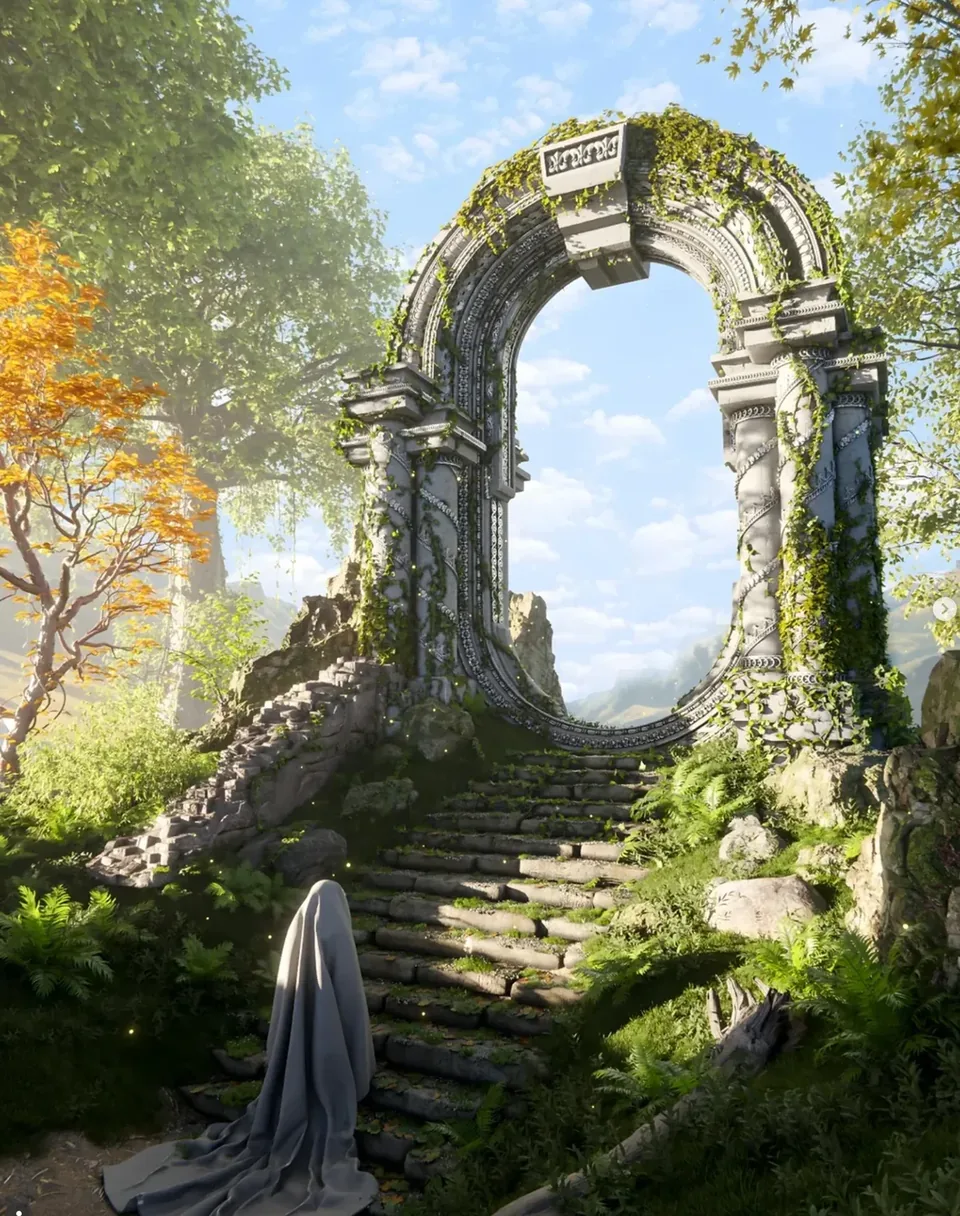
Jake Latimer — Architectural detail that belongs to the scene
The repeated relief around Jake’s gateway follows the shape of the arch and gives the stonework a consistent visual rhythm. The surrounding foliage and weathered materials keep the ornament connected to the environment. It is a useful example of using a decorative border to strengthen a structure’s silhouette.
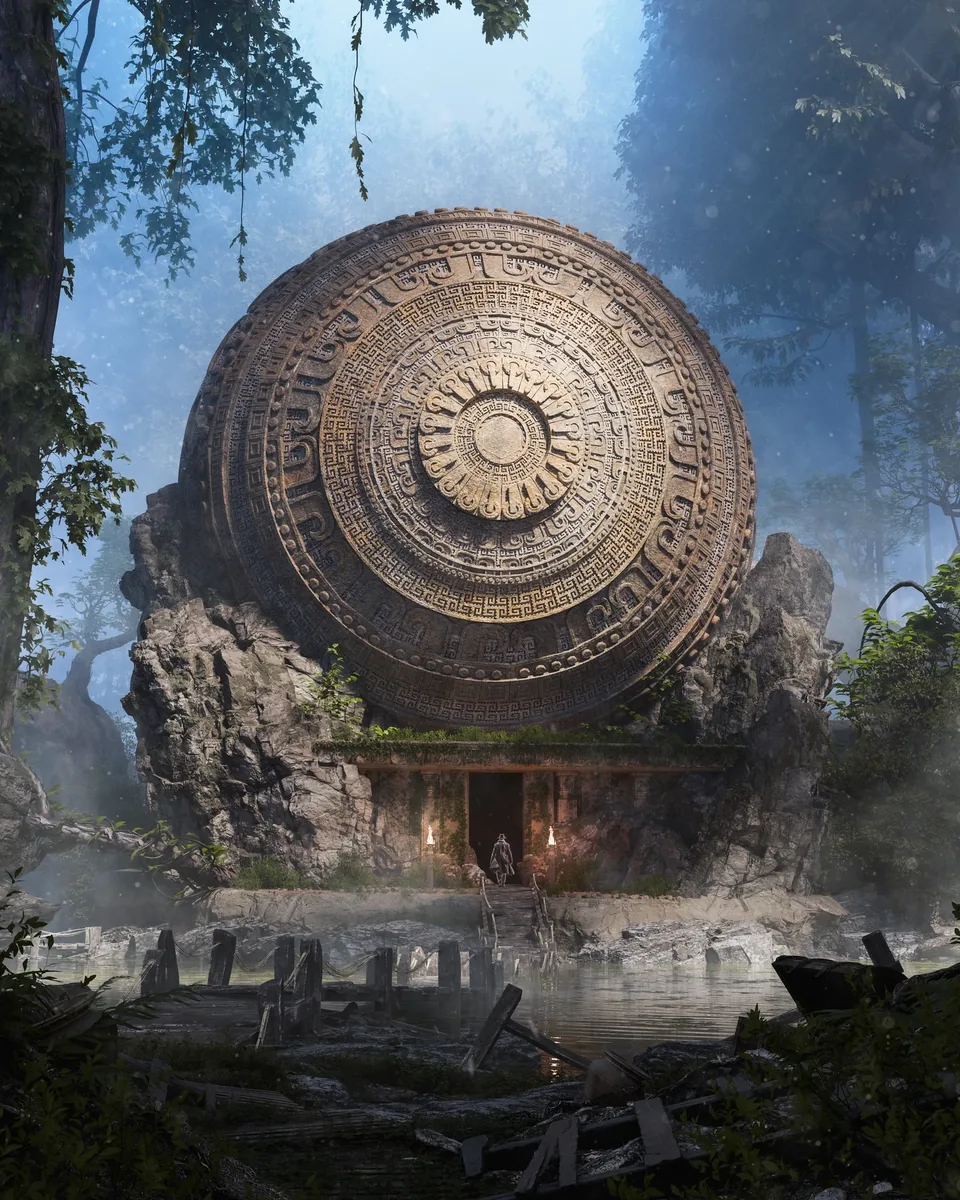
Trey Cochran — A strong focal point in carved stone
The Aztec Stone puts the carved surface at the center of the composition. Repeated shapes, layered relief and lighting make the detail readable. When building a similar focal object, consider the viewing distance first: the ornament needs enough depth and contrast to survive the final camera angle.
Simon Zhang — Ornament as part of an environment
Simon’s altar brings decorative stonework into a forest scene. The ornament helps define the object, while its placement and material connect it with the surroundings. This balance is worth studying: a detailed asset can support the scene without competing with every other element.
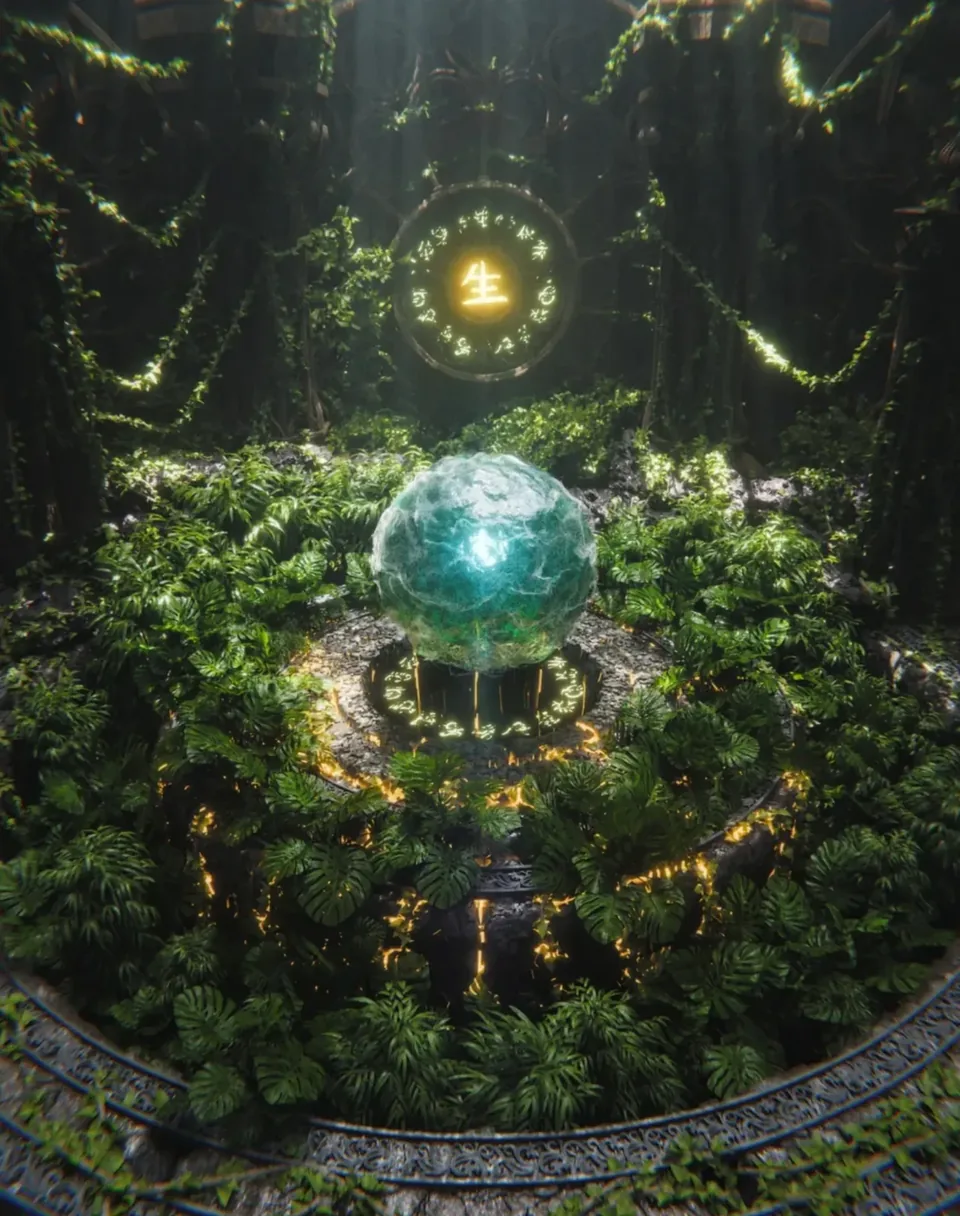
Laura Mercadal — Detail at the scale of an object
Laura’s decorative object shows another scale for the library: a single prop. Repetition can unify a form and draw attention to its contours. A small border may be enough; test the overall shape before increasing the amount of detail.

Explore more community work in the PeakDreams gallery. All artworks remain credited to their original creators; the examples above are existing projects, rather than claims that they use the newly released Art Deco assets.
What changed in Ornament Generator 1.5.0?
The new Art Deco collection adds 134 designs to the previous 426-ornament library. That brings the Full edition to 560 ornaments and adds a sixteenth category. The release gives you more geometric motifs to try on frames, repeated borders, panels and decorative objects.

When selecting a motif, look at the balance between its silhouette and the main form. Large stepped patterns can become the focal point; a narrower repeating border can support the shape without overwhelming it. Test the ornament under your intended lighting before making the detail denser.
Starter, Lite or Full?
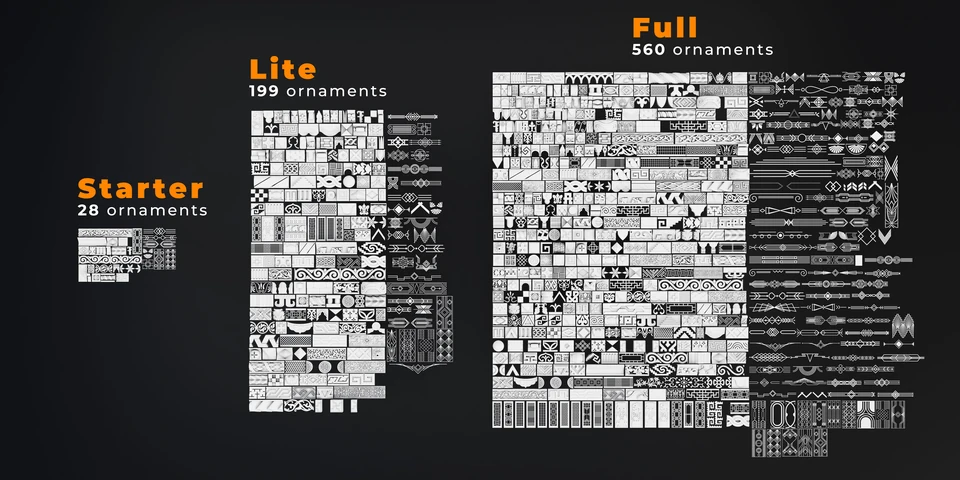
The editions share the same add-on functionality and differ in their included library: Starter has 28 ornaments, Lite has 199 and Full has 560. Compare the library preview below, then visit the edition comparison for purchase links.
Start with the new tutorial
The official 1.5.0 tutorial and written guide covers installation, generating from edges, changing assets, placement controls and difficult curves. It is a practical introduction whether you are opening the add-on for the first time or returning for the Art Deco update.
Already creating with the tools? Visit the artists’ profiles for the full context behind their work, and follow the roadmap for upcoming Chain Generator and Column Generator development.