
What it does.
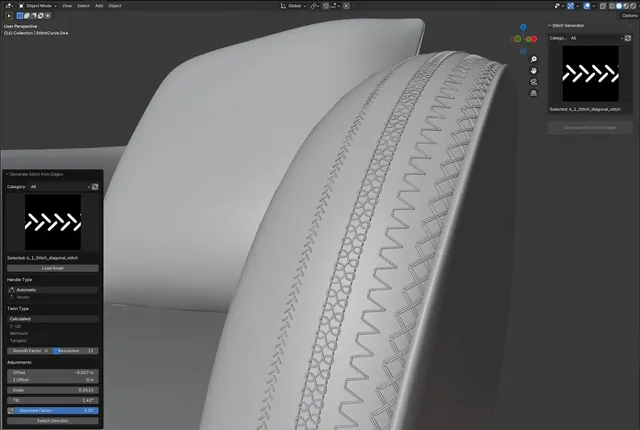
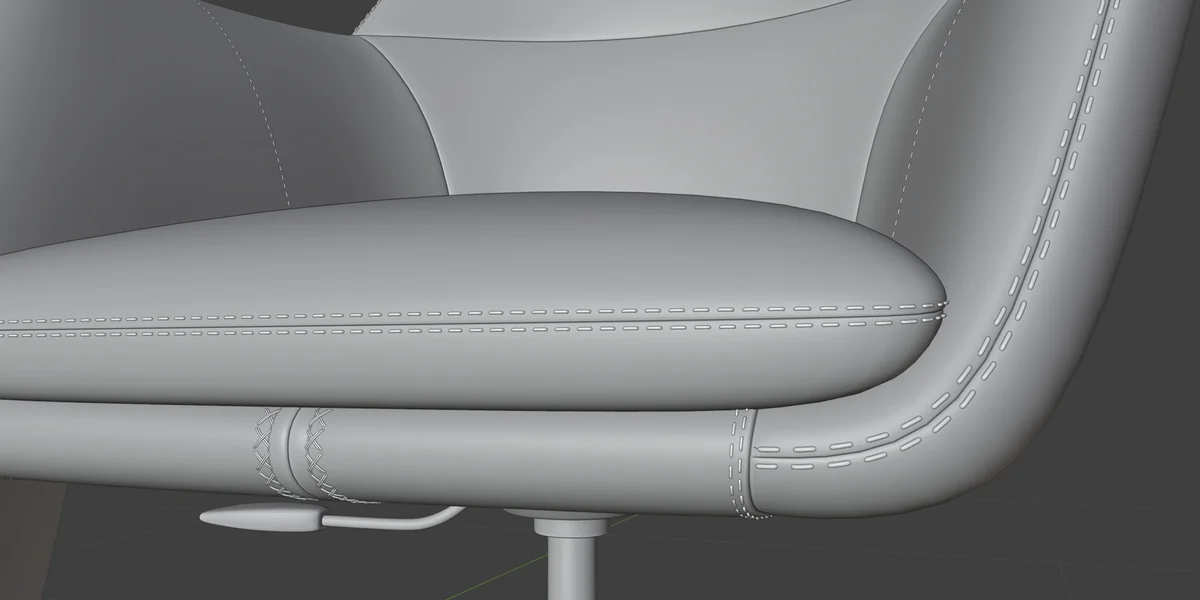
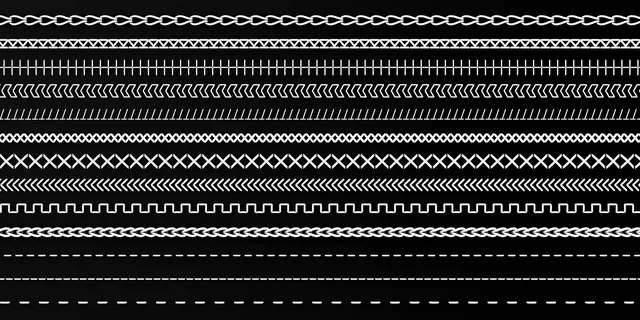
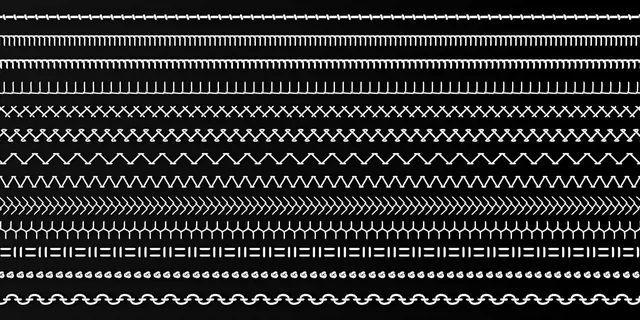
Stitch Generator 1.0.0 launched with 50 built-in stitches and an edge-driven workflow similar to Ornament Generator. It is intended to remove repetitive manual sewing-detail modeling while preserving physical geometry for high-quality renders and close-ups.
Core workflow.
- Select at least one edge that should receive stitches.
- Click Generate Stitch from Edge.
- Open the stitch library, choose a style and Load Asset.
- Adjust size, depth / offset, tilt and direction until the stitch sits correctly on the surface.
- Use curve handle, twist, smoothing and resolution controls for more difficult shapes.
Getting started.
- Open Blender and go to Edit → Preferences → Add-ons.
- Choose Install from Disk and select stitch_generator.zip.
- Install and enable the addon.
- Open the Blender side panel to access Stitch Generator.
- Use Blender 4.3 or newer.
Main controls.
Controls the distance between the stitch geometry and the target surface.
Adjusts stitch size and extends the available range when required.
Changes the stitch angle relative to the surface.
Flips the stitch orientation along the path.
Optimizes generated geometry while keeping the stitch structure connected.
Reloads library assets without restarting the addon.
Helps maintain correct alignment on sharp or complex curves.
Balances path smoothness and curve detail.
Watch the tutorial.
Open the official PeakDreams video for a complete visual walkthrough and examples.
WATCH ON YOUTUBE